
Start a group
About five minutes, on one phone, with no internet.
1. Open Dasig and give a nickname
That's your account. Add a photo and skills later if you like.
2. Choose “I run a group”
Give your group a name and kind (civic club, school organization, community group and so on). Then choose how it's run: a starting set of positions such as president, secretary and treasurer, with seats and terms. Change them any time. They're starting points, not legal advice.
You become the group's first officer.
3. Start a project
An event, a program or this year's plan. Pick the teams it needs from common ones, or name your own. Next time, start from the same teams with one tap.
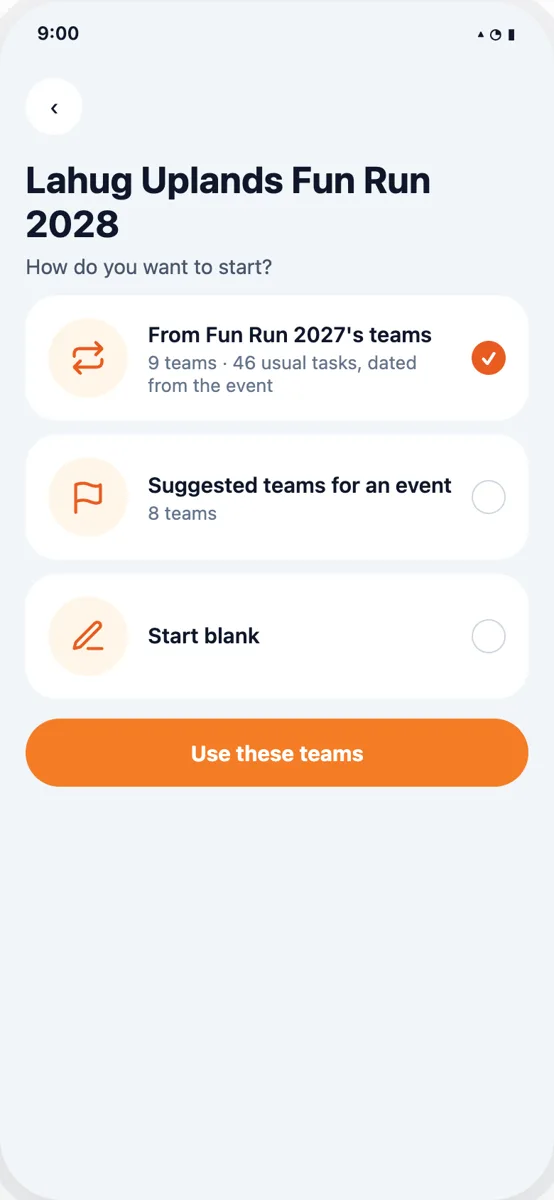
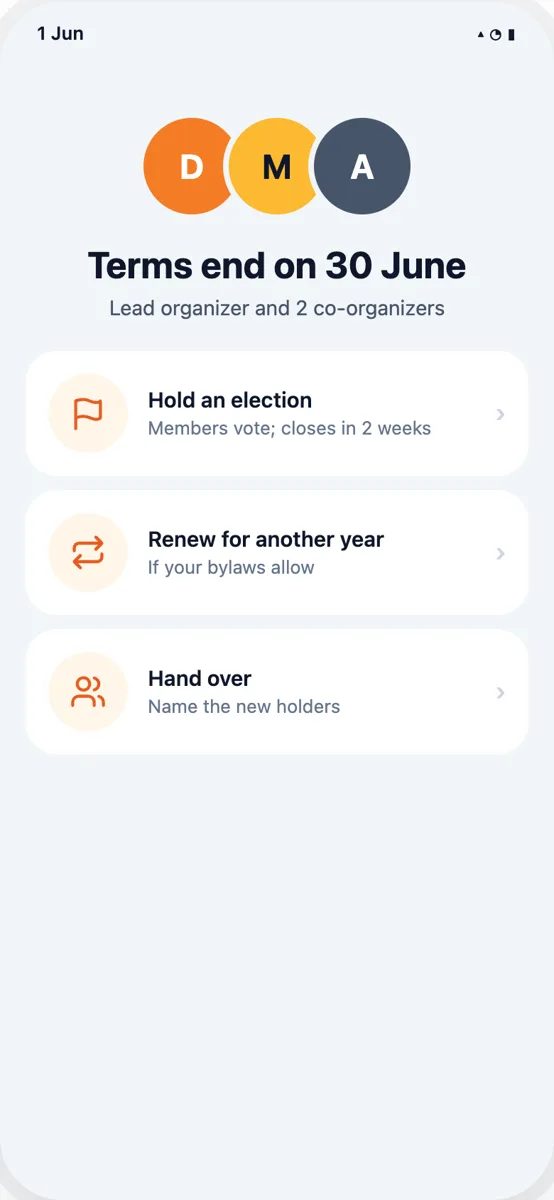
Design previews. Names and places are made up.
4. Choose team leads
Open a team and tap Lead. Leads add work for their team and accept ideas from volunteers.
5. Bring your people in
- Together in one place: make one phone your group's hub. Others join its hotspot and scan its QR code. No internet needed.
- Apart: send an invite link (needs internet and the Dasig Ecosystem, in pilot now).
- Without the app: add someone by nickname, so you can record their work. They can claim it later.
6. Do the work
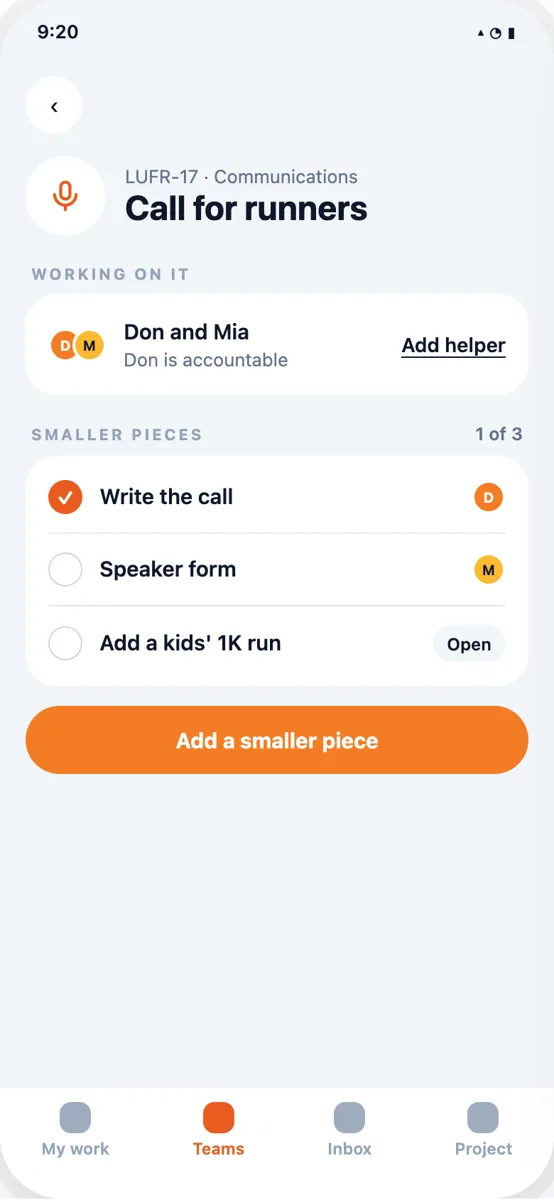
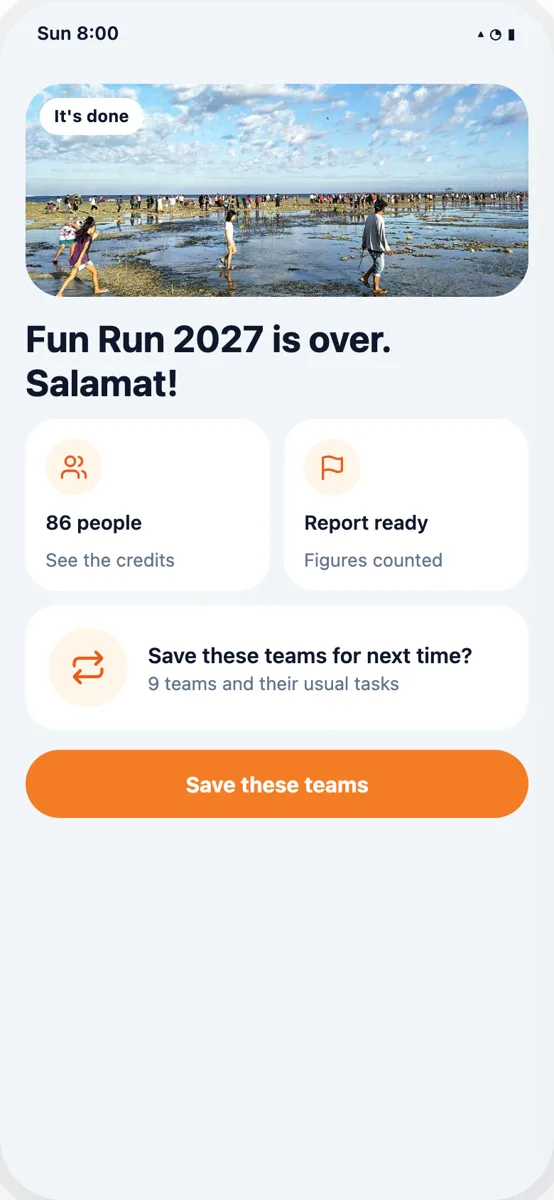
Design previews. Names and places are made up.
Volunteers take tasks, add smaller steps and files, and mark them done. Done is the record: it counts at once and is signed by your group. Money and work with the people you serve still need a second person to confirm.